AirTag battery
An AirTag takes one CR2032 lithium 3 V coin battery, sold at most electronics and drug stores.[1 · Oct 29, 2026]
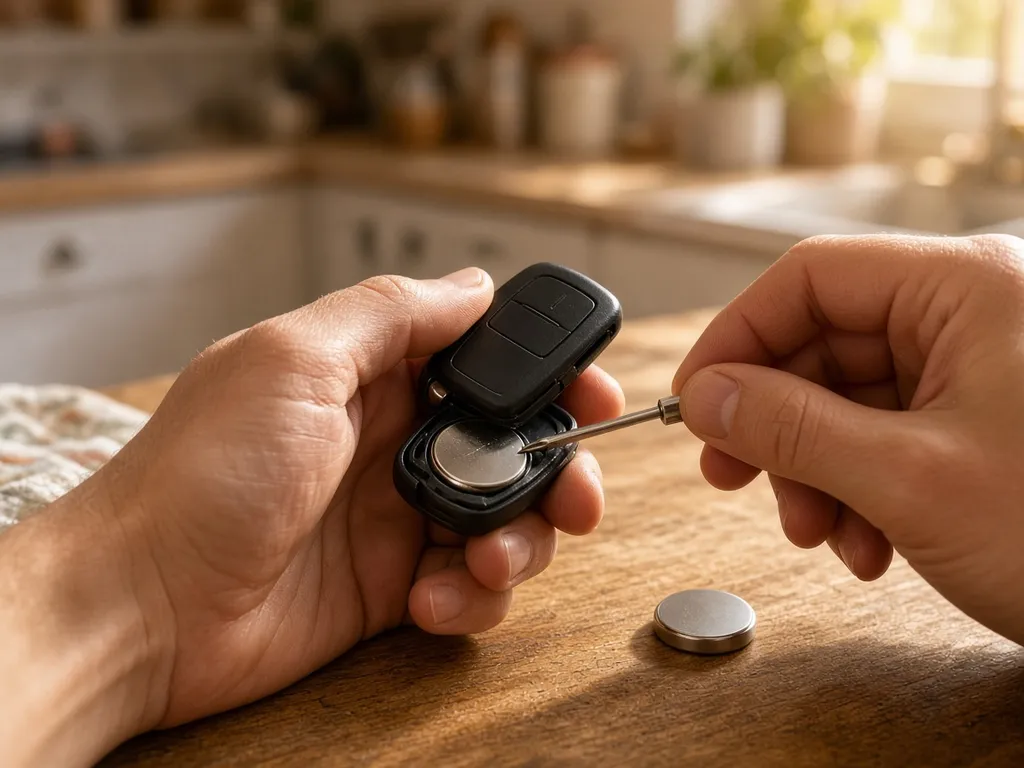
How to replace it
- Press down on the stainless steel battery cover and turn it counterclockwise until it stops.[1 · Oct 29, 2026]
- Lift off the cover and take out the old battery.[1 · Oct 29, 2026]
- Put in a new CR2032 with the positive (+) side facing up. You'll hear a sound when it connects.[1 · Oct 29, 2026]
- Line up the three tabs on the cover with the three slots, then turn it clockwise until it stops.[1 · Oct 29, 2026]
Bitter-coated batteries
Some CR2032s have a bitter coating to discourage children from swallowing them. Apple suggests a bitterant-coated cell but warns that some may not work with AirTag; look for packaging that says "Compatible with Apple AirTag".[1 · Oct 29, 2026]
When it's low
Your iPhone shows a notification when the battery is low. You can also open Find My, tap Items, then tap the AirTag; "Low Battery" appears under its name.[1 · Oct 29, 2026]
Safety
Apple warns that the AirTag, its cover and its battery are a choking hazard for small children, and that a swallowed coin battery can cause internal chemical burns in as little as 2 hours.[1 · Oct 29, 2026] If that may have happened, call the National Battery Ingestion Hotline at 1-800-498-8666.[2 · Oct 29, 2026]
Affiliate links: if you buy through a link in this box we may earn a commission, at no extra cost to you. It does not change the sizes or sources on this page. How we handle affiliate links.
Sources: 1. Apple Support, Replace the battery in your AirTag. 2. National Capital Poison Center, Swallowed a button battery?. Checked Oct 29, 2026. Inch conversions are our own arithmetic from the millimeter figures. Brand names and trademarks belong to their owners; specs are restated in our own words and tables, not reproduced.